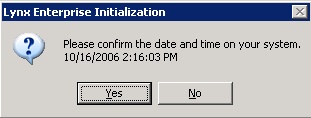
Confirm that the date and time are correct and choose "Yes"
The below box will appear asking for your initialization code. This code is provided to you when you placed your order with LYNXPM, L.L.C.
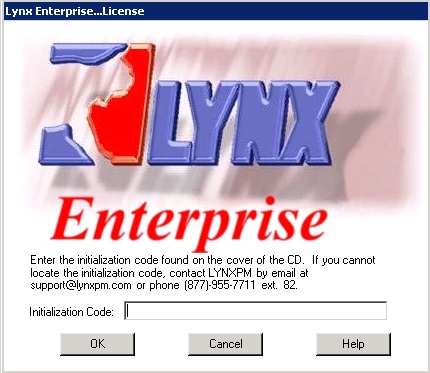
Enter your LYNX Enterprise initialization code and choose "OK"
The below box will appear. This is basically asking if you would like to Activate/Register your LYNX Enterprise License. The license can be permanently Activated after payment is received in full.
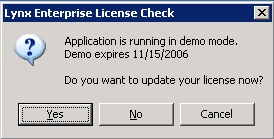
Choose "Yes" to Activate/Register your LYNX Enterprise License.
Choose "No" to remain in Demo mode. This mode will expire 30-days from the install date.
If you Choose "Yes" then see Activating LYNX